First Time with the Catalyst 9300-NM-8X: Field Lessons from a Real-World Stack
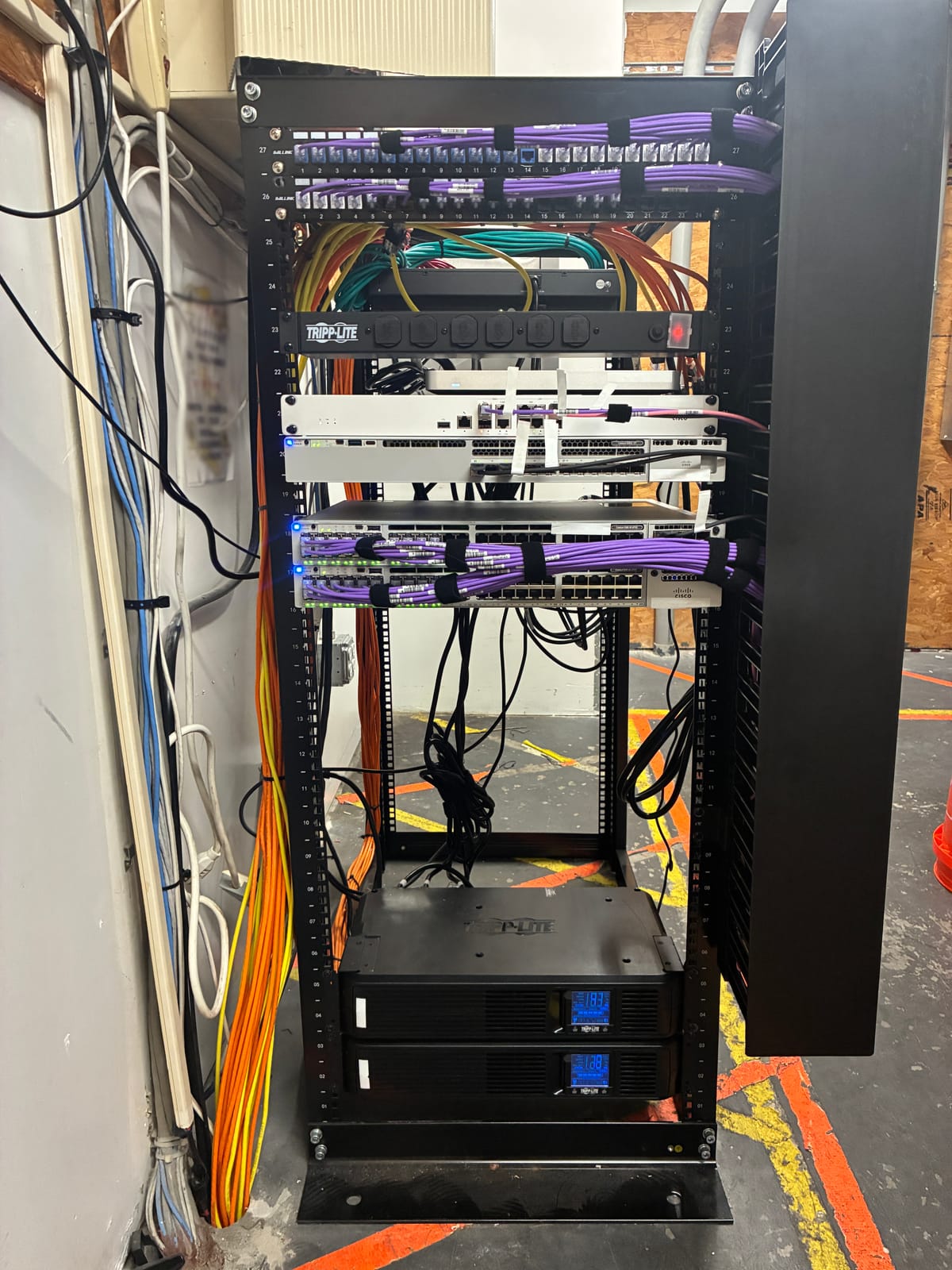
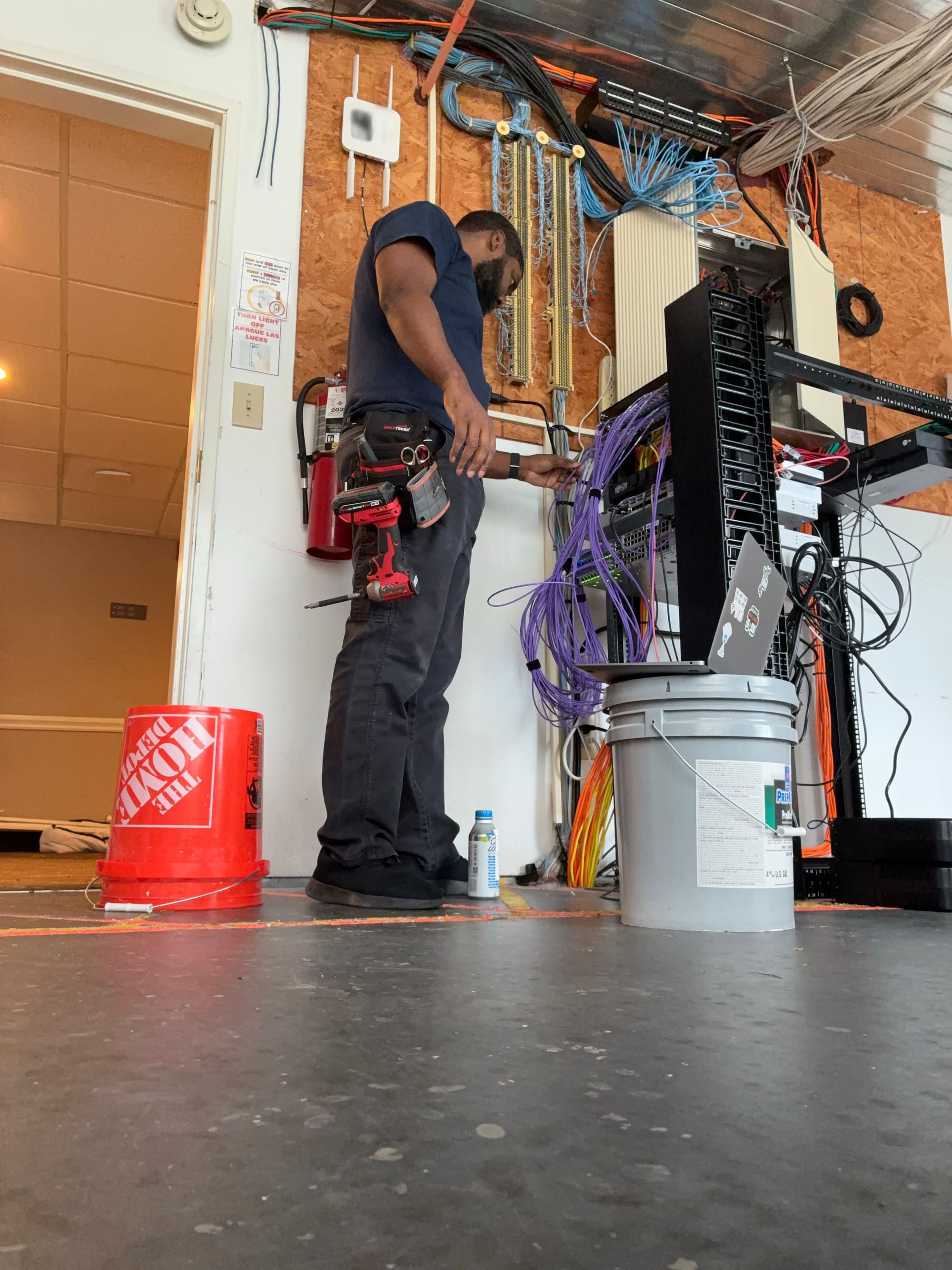
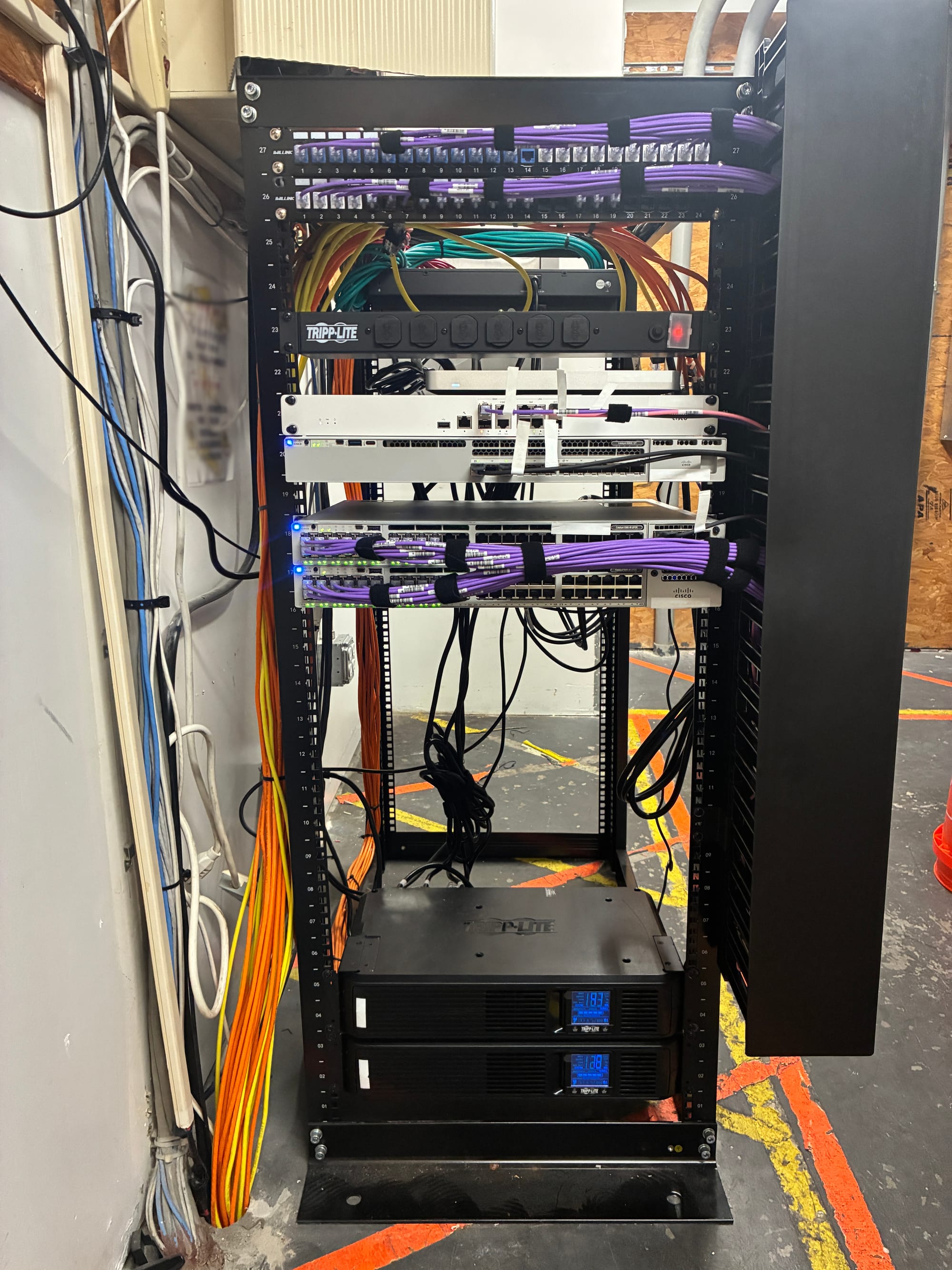
Last week I had my first experience working with the Cisco Catalyst 9300-NM-8X module and deploying a pair of Catalyst 9300 48UPOE switches in a live environment.
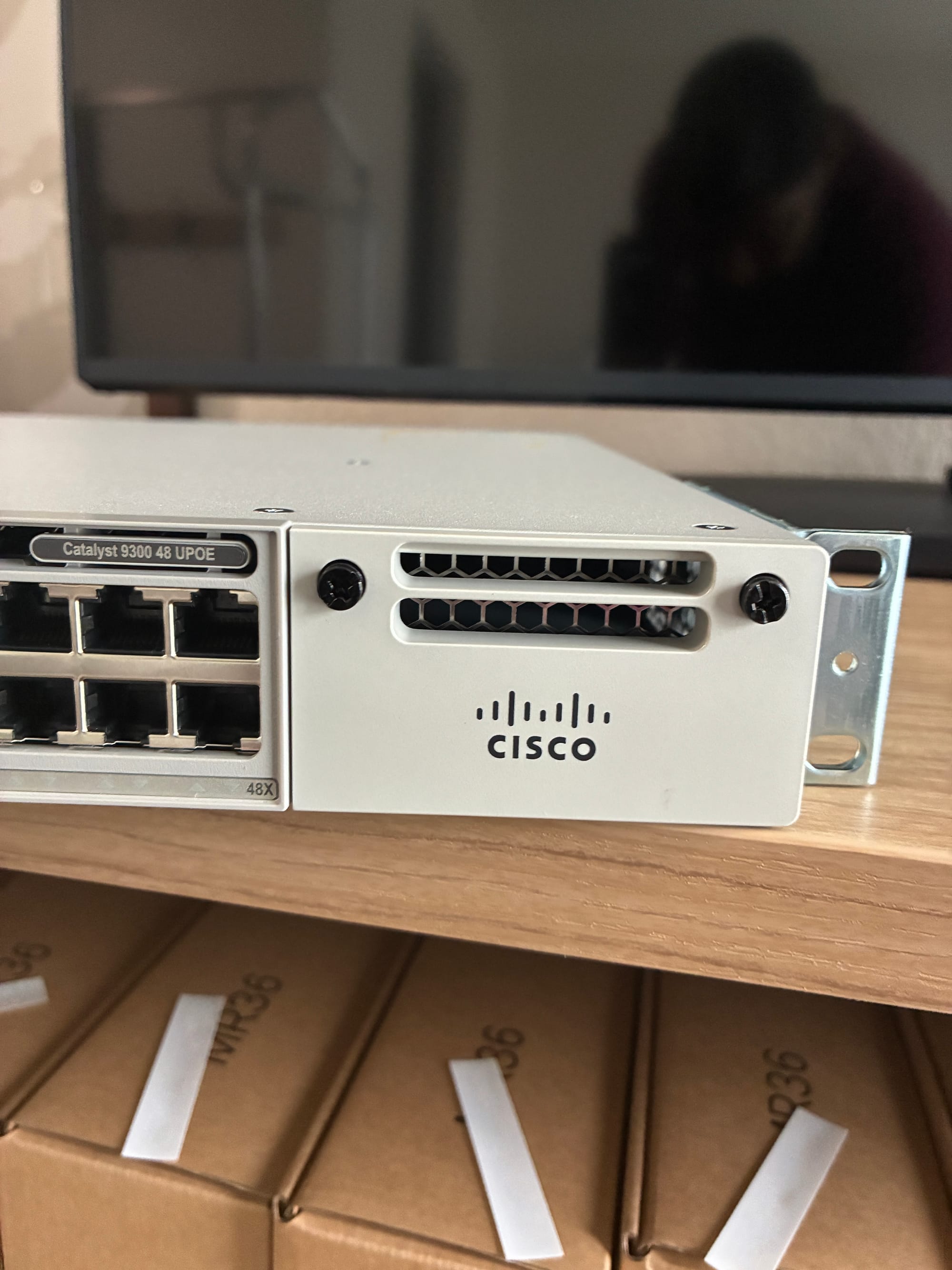
I manually installed the NM-8X module into one of the switches
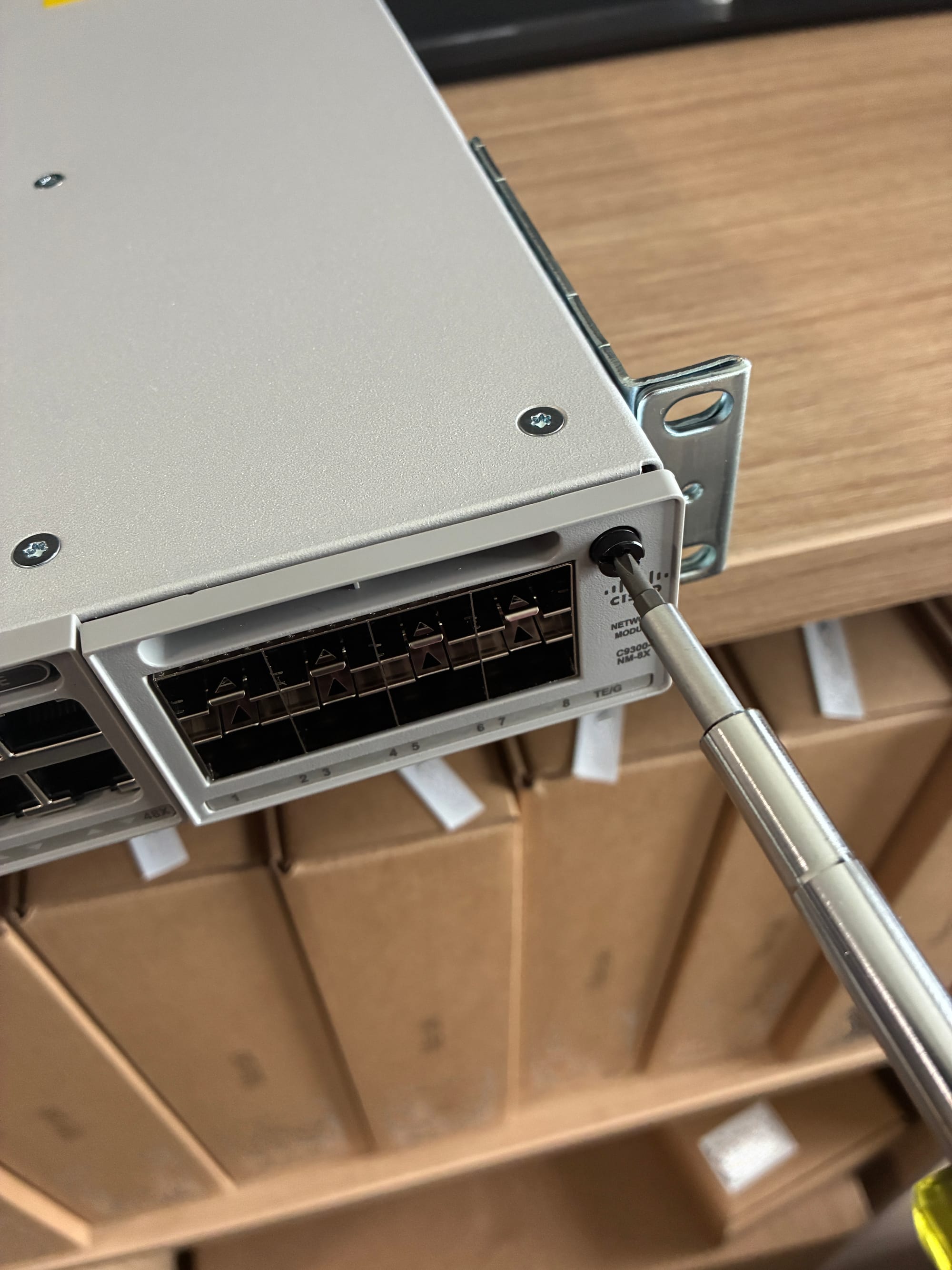
and used Cisco’s stacking cables to connect both devices. Once the physical setup was complete, I verified uplinks, LED status, and confirmed full visibility in the Meraki dashboard. This wasn’t just about stacking switches — it was about leveling up into more enterprise-grade gear and understanding what separates Catalyst from Meraki in the field.
Coming from MS350 48P deployments, this install required more precision and attention to physical detail. Here's what stood out:
- UPOE support across all 48 ports
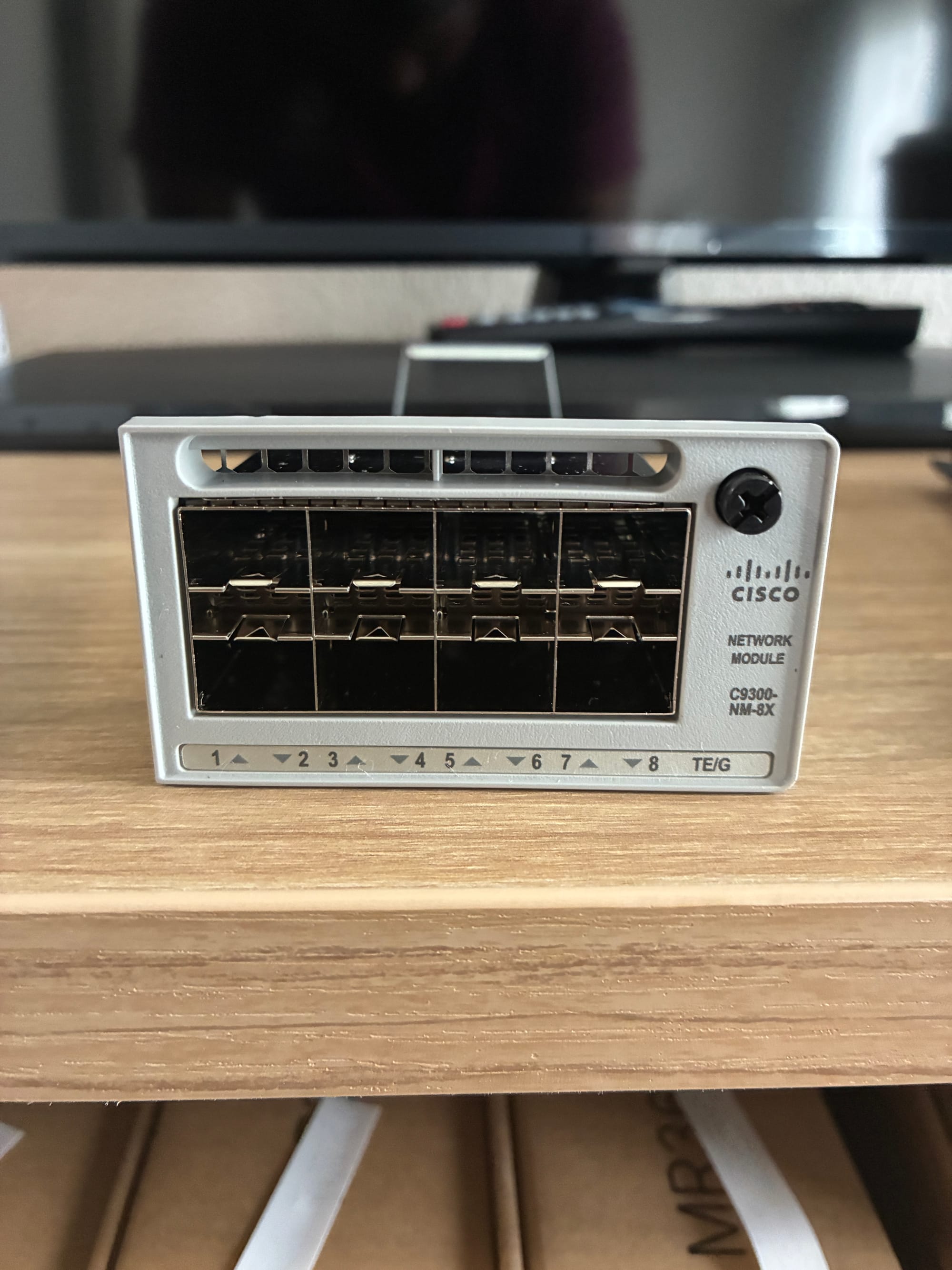
- 10G SFP+ uplinks via the NM-8X module
- Switch stacking using dedicated back-panel ports
- Full backplane bandwidth, no bottlenecks
- Rack-mounting and cable routing under real install conditions
Topology and Flow
The network flow was simple but layered:
MX (Twinax) → 9300X 12Y Core (Twinax) → Access Switch 1 – Catalyst 9300 48UPOE (via NM-8X module)
Access Switch 1 Stack Port 1 → Access Switch 2 Stack Port 2
Access Switch 1 Stack Port 2 → Access Switch 2 Stack Port 1
The NM-8X module handled uplinks to the core.
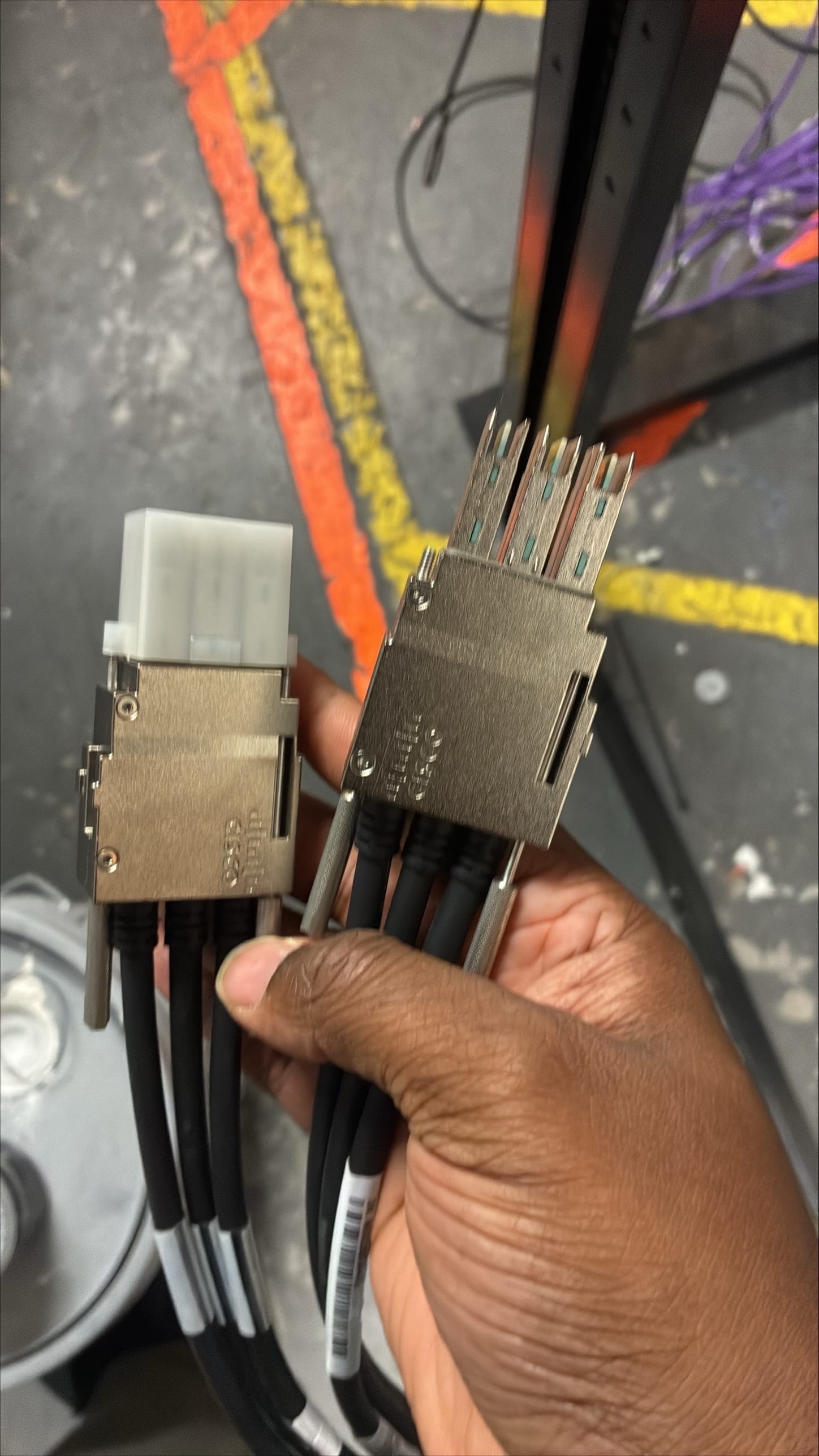
The stacking was done through Cisco’s proprietary stack ports, not SFP+, and it required physical attention that Meraki gear doesn’t usually demand.
Boot Sequence Notes
Boot order matters on these.
I powered on the MX first, and once I saw the solid white LED, I knew it was online and up to date.
Next came the core switch (9300X 12Y). After it showed two green check LEDs, I powered on Access Switch 1, which was uplinked via Twinax to the core.
Once that was online, I brought up Access Switch 2.
The stack synced cleanly, and both switches registered properly in the dashboard.
Field Tip: Don’t Rush the Stack Cable Install
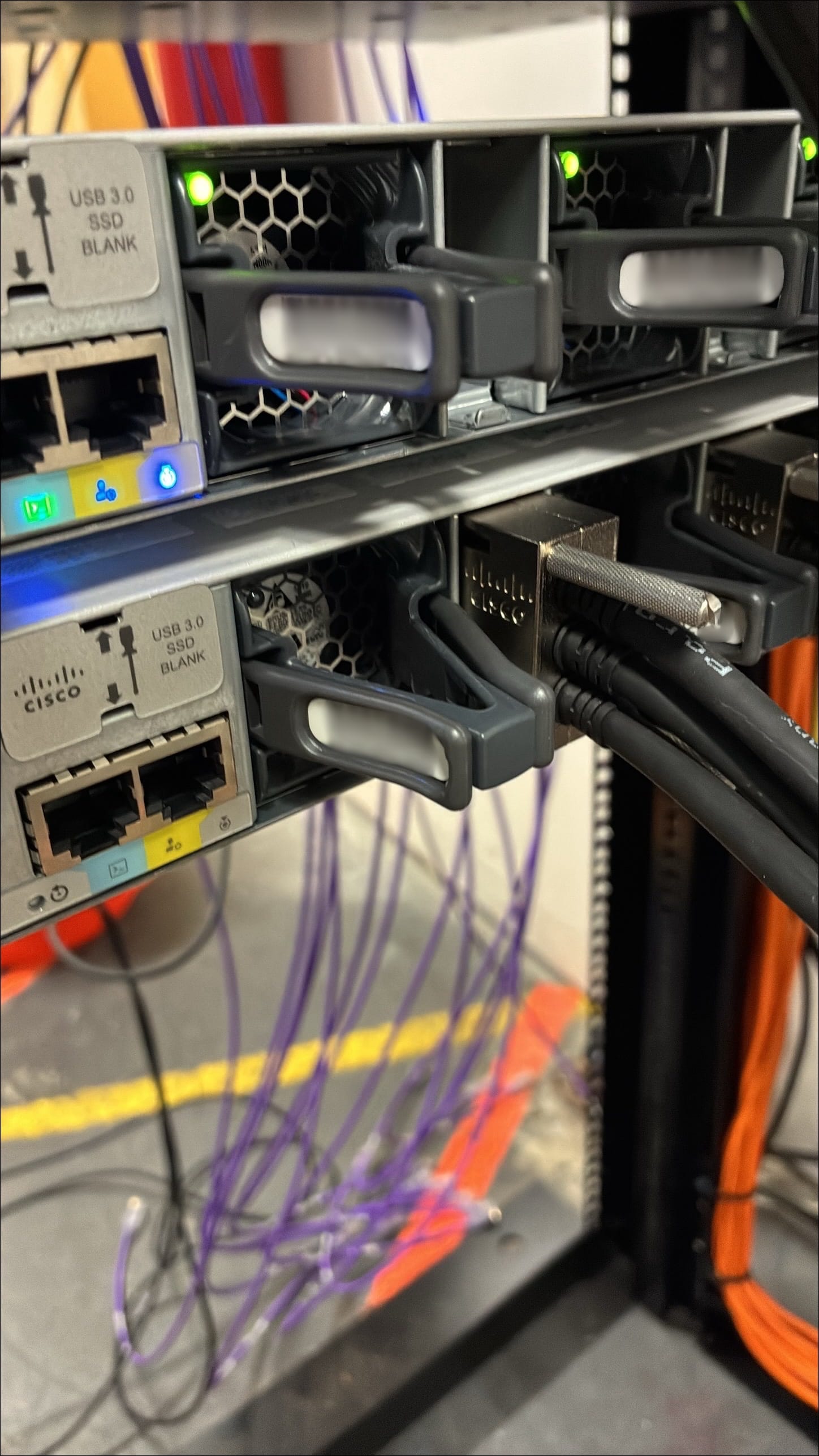
Stacking cables on Catalyst switches are not plug-and-click like Twinax or Meraki MS350 stack cables.
You have to:
- Make sure the Cisco logo faces up
- Push the cable fully into the slot
- Tighten both safety pins firmly
If those pins are loose, the cable may appear seated but won't register. You’ll sit there wondering why the switch isn’t showing up, only to realize the physical layer wasn’t locked in.
Still sharpening my cable management and always looking to improve, but this was a solid step forward. The kind of install where small details matter and the lessons stick.
Hands-on with real gear is where the growth happens and bridging that with cloud architecture is where the future gets built.