FortiGate Migration: Success in Client Deployment and Enhanced Security Part 4 of 4
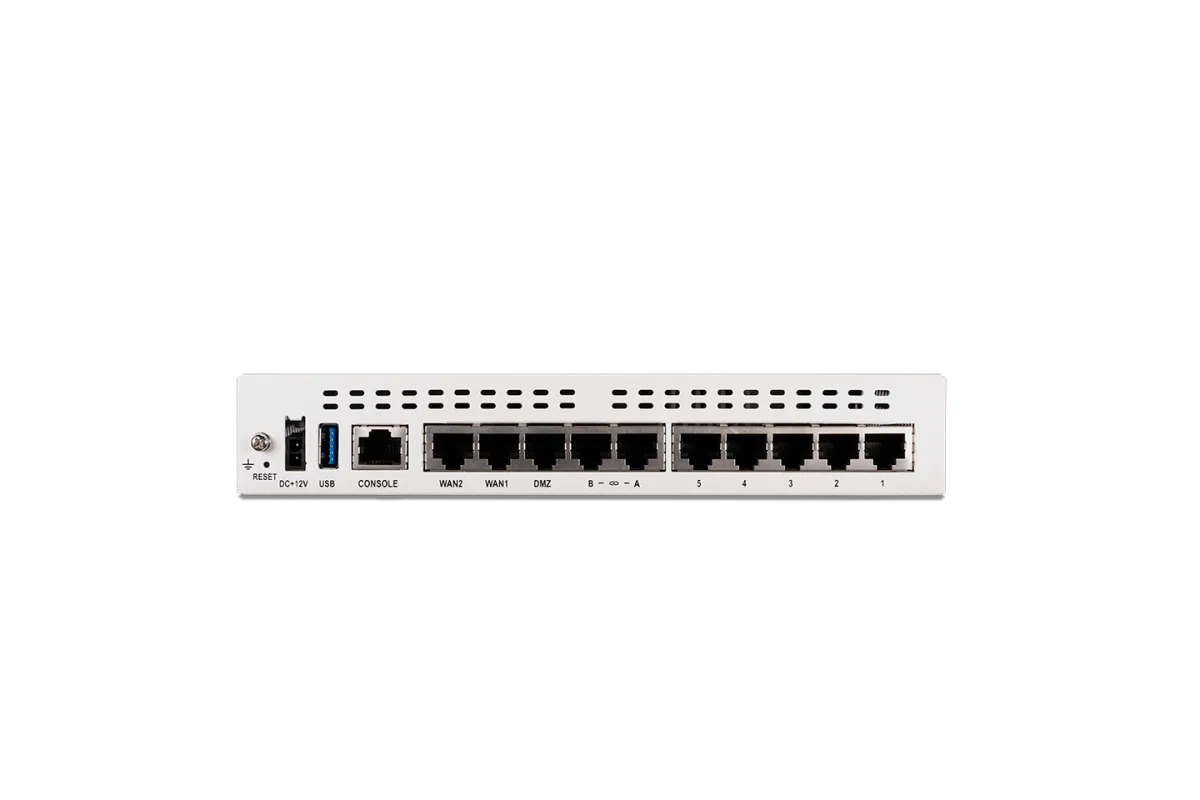
After two weeks of rigorous testing in my home lab, I’m excited to announce the successful deployment of the FortiGate 60F in my client’s environment! The client is thrilled with the transition and is already leveraging the comprehensive UTM features of the FortiGate 60F, which have streamlined and enhanced their network security.
Transitioning to FortiGate’s UTM Features
One of the biggest advantages of this migration has been consolidating multiple standalone security tools from OPNsense into the FortiGate 60F’s UTM feature set. Here's a comparison of the tools I replaced and the corresponding UTM features now in use:
- ClamAV Daemon / Freshclam Daemon → FortiGuard Antivirus
- The built-in antivirus service in FortiGate offers real-time threat detection and eliminates the need for a separate ClamAV setup.
- CrowdSec → FortiGuard IPS (Intrusion Prevention System)
- The IPS provides robust protection against known vulnerabilities and attacks, replacing the behavior-driven defense provided by CrowdSec.
- Unbound DNS → AdGuard Home (paired with FortiDNS)
- While FortiGate handles DNS filtering through FortiDNS, I’m using AdGuard Home for internal DNS resolution and Unbound-like capabilities, such as DNS caching and ad blocking.
- Geo IP Lite 2 → FortiGuard Web Filtering (GeoIP Blocking)
- FortiGate’s built-in GeoIP blocking simplifies location-based filtering without relying on external databases.
- Emerging Threats → FortiGuard IPS and Threat Feeds
- FortiGate’s integrated threat feeds keep the network up-to-date with the latest emerging threats.
- Proofpoint → FortiGuard Email Filtering
- The UTM’s email security feature protects against phishing attacks, providing a comprehensive replacement for Proofpoint.
DNS Resolution with AdGuard Home
Instead of relying on OPNsense Unbound DNS for internal DNS resolution, I’ve transitioned to using AdGuard Home. This tool not only provides advanced DNS caching and ad blocking but also integrates seamlessly with the FortiGate’s filtering features. It allows for better performance and more granular control over DNS queries, keeping both my home lab and client environment efficient and secure.
Expanding My Skillset
To complement this project, I’ve also taken a step forward in my learning journey by enrolling in the Introduction to Kubernetes course on edX, a recommendation from my mentor, Tameika Reed. As I dive into Kubernetes, I look forward to integrating these skills with my expertise in network security and automation.
This migration has been a rewarding experience, demonstrating the power of consolidating tools with Fortinet's UTM features while maintaining flexibility with complementary tools like AdGuard Home.
Stay tuned for more updates as I continue to optimize and share insights from these projects!